SKATE 3 BROWSER.
Play Asher’s independent Skate 3 fan project in your browser. Start here, or compare the separate Cleanroom and Xbox Cloud Gaming routes.
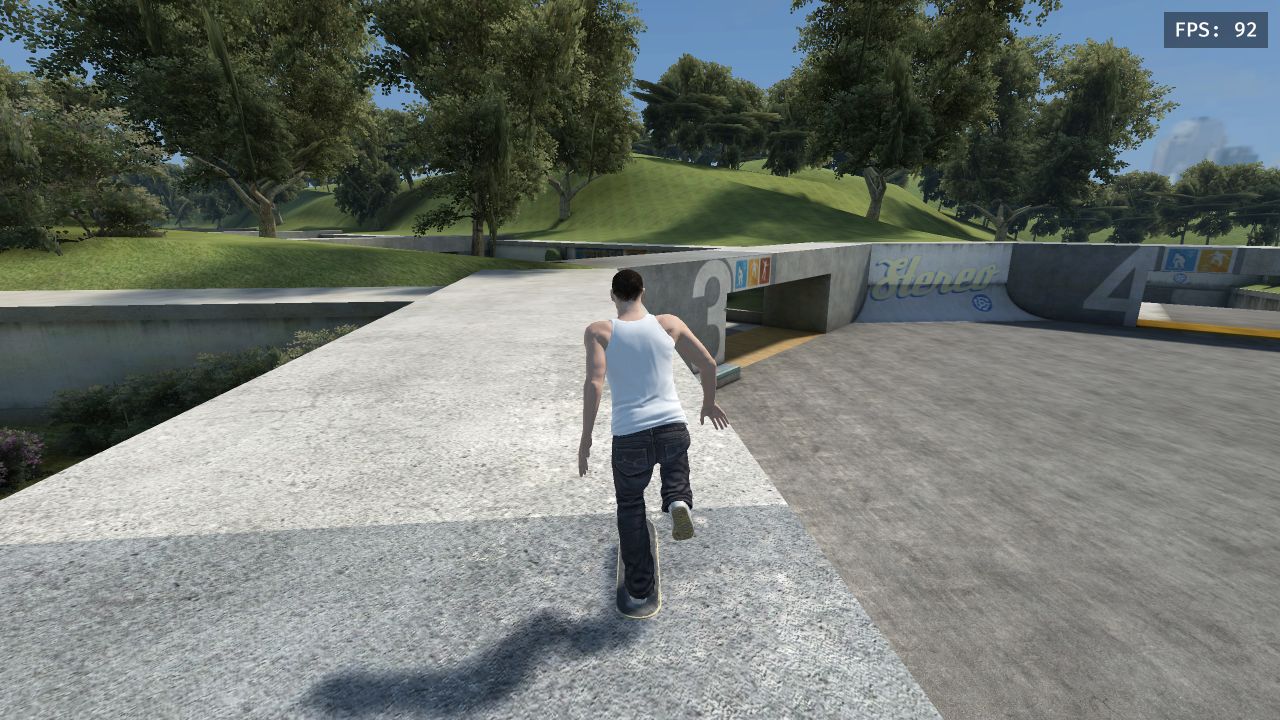
Still loading? Open the project directly .
Player help
The game is hosted by an independent creator. Click inside the player to give it keyboard focus; press Esc to release the pointer or leave fullscreen.
For a blank screen, blocked embed, or controls that do not respond, open Asher directly . Progress belongs to that project; reloading may lose your current session.
Read the Asher loading and controls checklist (opens in a new tab).
Read the creator’s project notesOne name, different projects. Compare Skate 3 browser versions
How to start Asher’s browser game.
Open your session
Hit play when you’re ready. The game only loads after you choose to start.
Let it settle in
Follow the project’s setup prompts. Initial loading may need a little patience.
Make it your space
Click inside the game to focus it. Go fullscreen, then use its own control hints.
Meet Cleanroom.
A separate fan-made browser project with documented keyboard controls, community maps and multiplayer rooms. Its own engine build. Its own session.
Skate 3 browser controls and help.
Asher keyboard controls
WASD, Space, arrow keys and Esc, plus game focus and gamepad priority.
Read the guide Opens in a new tabSkate 3 browser not loading?
Separate Asher and Cleanroom checks for loading, keyboard input and WebGPU.
Read the guide Opens in a new tabAsher vs Cleanroom vs Xbox Cloud
Compare the projects, their requirements and the evidence behind each guide.
Read the guide Opens in a new tabGuides open in a new tab, so your session stays put. Playing Cleanroom? See Cleanroom controls and Cleanroom multiplayer.
Skate 3 browser
questions.
Setup, controls and the differences between projects.
Compare browser versions01Is this an official Skate 3 release?
No. This page opens Asher’s independent fan project. Skate 3 Browser is an independent guide site, and neither is an official EA release.
02Is it the complete original game?
Do not assume the fan project includes the full console game. Asher, Cleanroom and Xbox Cloud Gaming are separate routes with different features and setup.
03Do I need to provide game files?
Asher’s loading page says game data streams from your own converted copy of Skate 3. We have not independently verified that setup flow. Follow the original project’s instructions; this site does not supply game files.
04What are the keyboard controls?
The recorded Asher source mapping uses WASD for the left stick, Space for A/push, arrow keys for the right stick, and Esc for Start/pause. Click inside the game before using the keyboard.
05Can I skate with friends?
We have not verified Asher’s room setup or player limit. Cleanroom’s README describes its own rooms for up to 10 players on one map; those instructions apply only to Cleanroom.
06What if the game does not load?
If the game stays blank or loading, try “Open project” to compare the original site with the embedded player. Then follow the troubleshooting steps for the project you opened.
Source pages checked October 11, 2026. How we check information